Describe the issue clearly
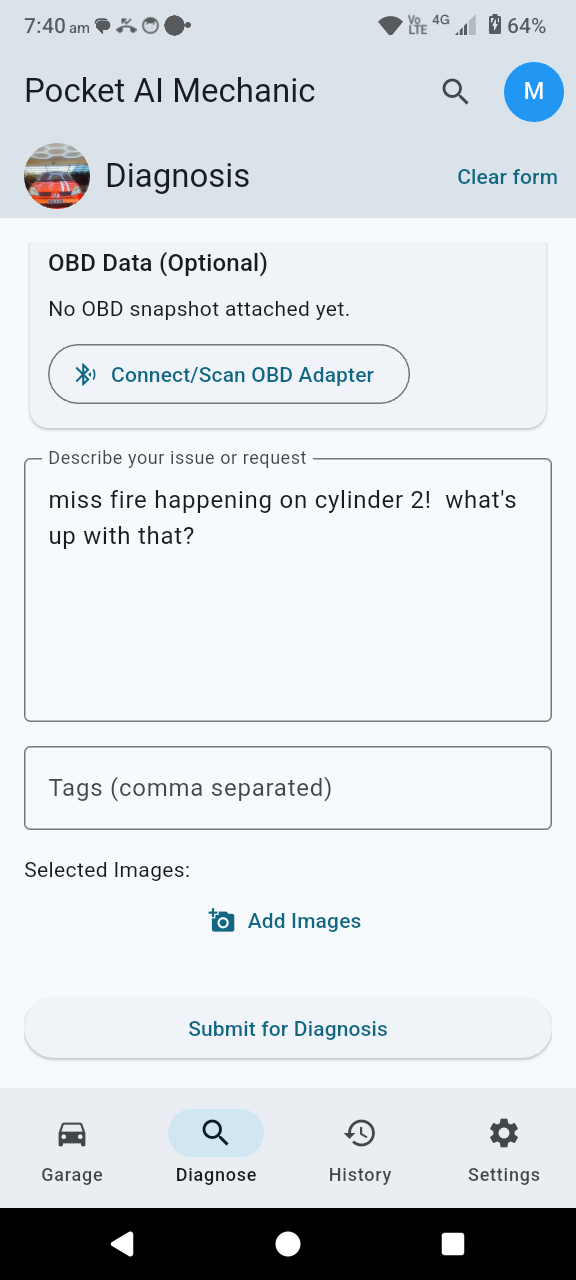
Start with the active vehicle, enter the symptoms in plain language, and add enough context for the AI to reason about the problem.
 Pocket AI Mechanic
Diagnosis flow
Pocket AI Mechanic
Diagnosis flow
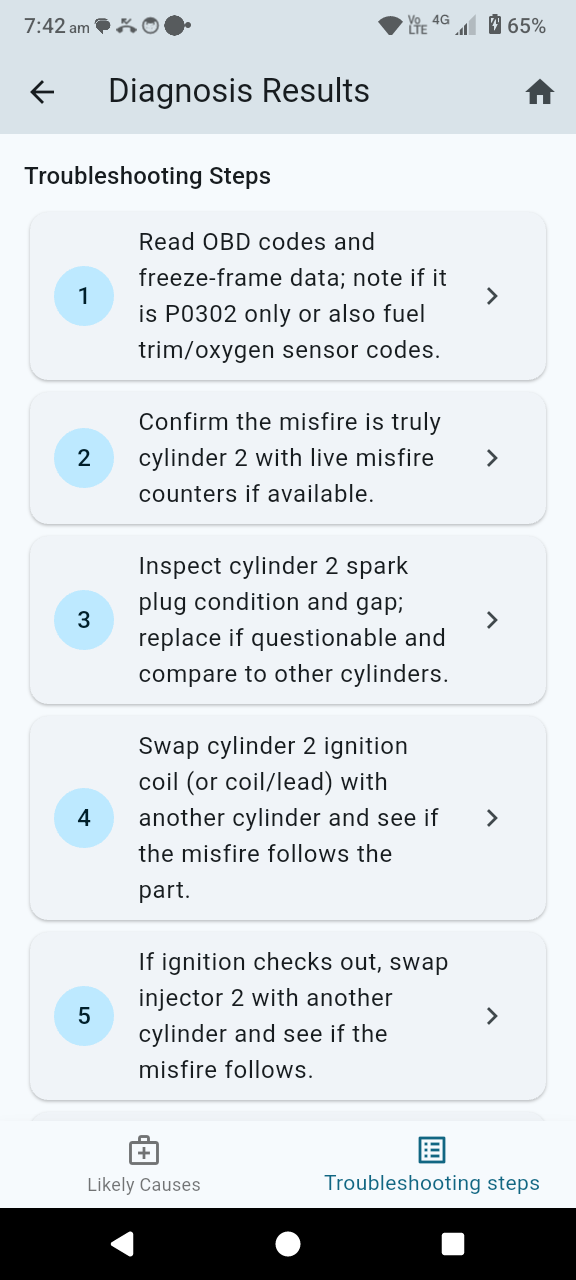
This flow shows how a driver captures the problem, optionally attaches an OBD snapshot, and works through ranked likely causes and troubleshooting steps in one sequence.
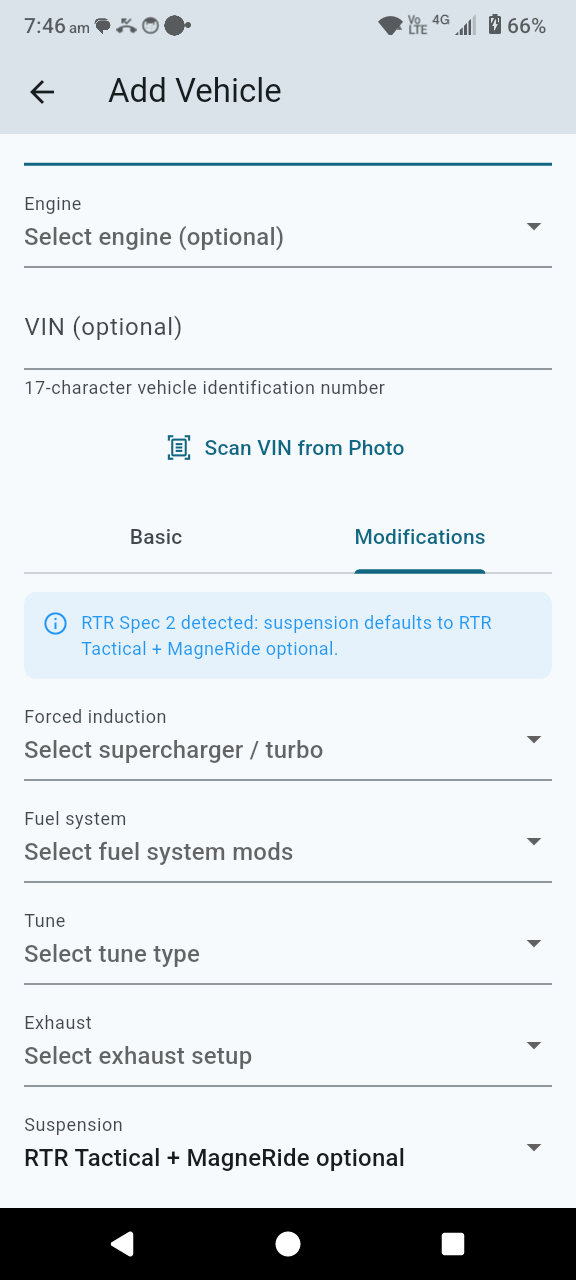
This first website flow uses the current in-app diagnosis screens already shipped in the guide, so you can review structure and presentation before we swap in any newer step folders.
Start with the active vehicle, enter the symptoms in plain language, and add enough context for the AI to reason about the problem.
Include tags, photos, and any other visible clues so the diagnosis has more signal than a short text note alone.
For harder faults, connect an adapter, run the snapshot flow, and attach the scan context to strengthen the analysis.
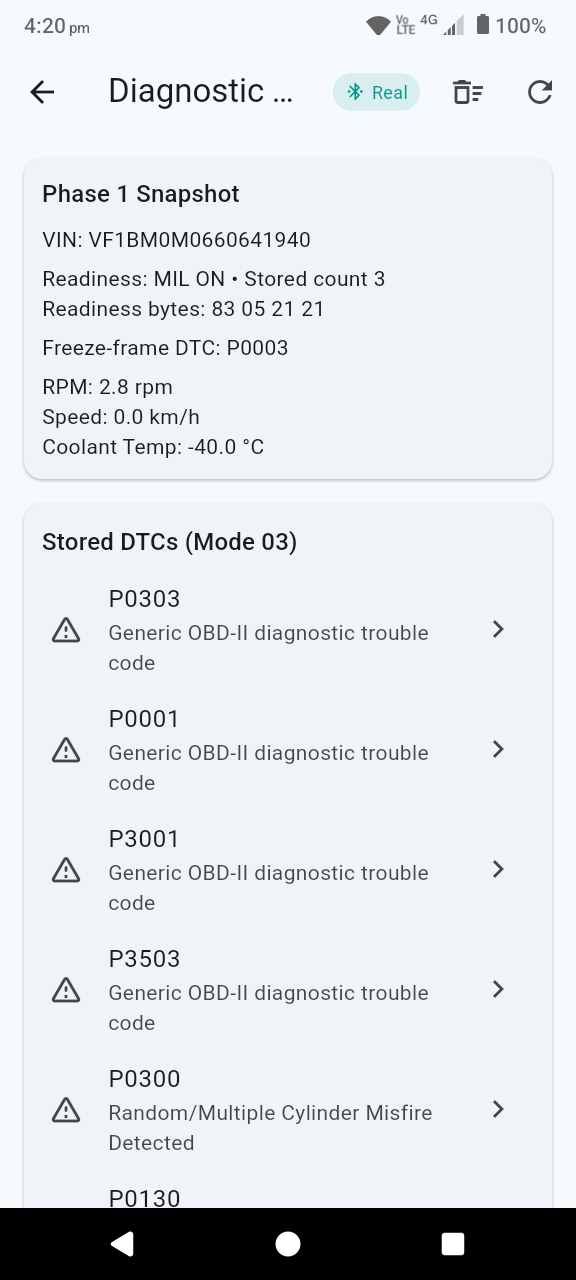
The app returns likely causes with reasoning so the user can see which explanations deserve attention first.
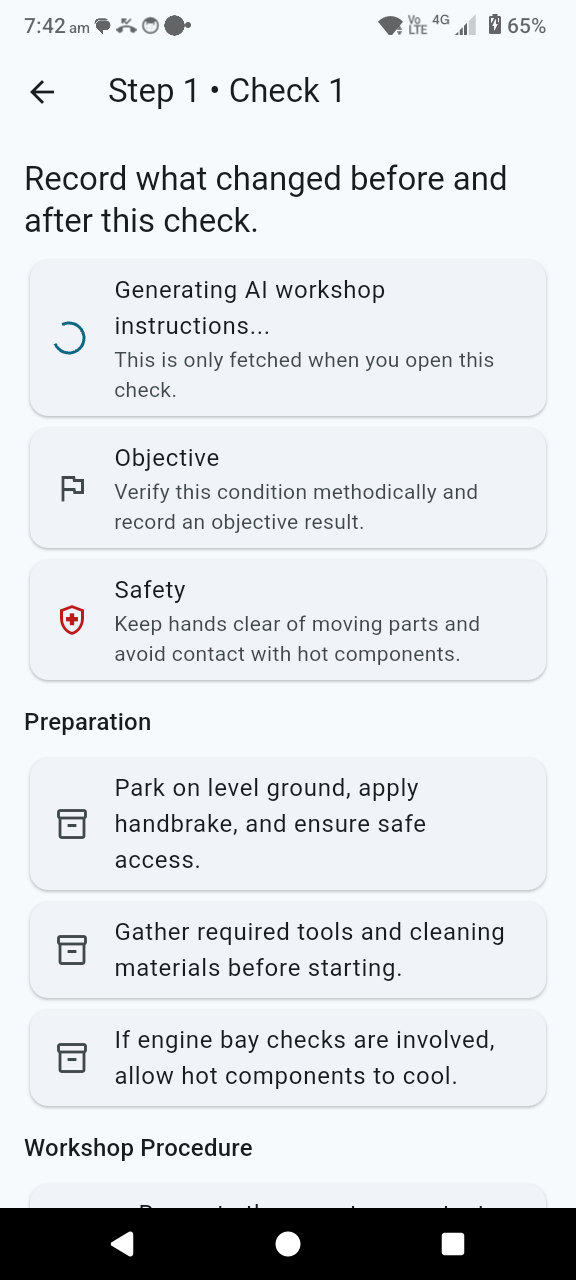
Switch to the next-actions view for ordered checks and practical follow-up work instead of stopping at the AI summary.
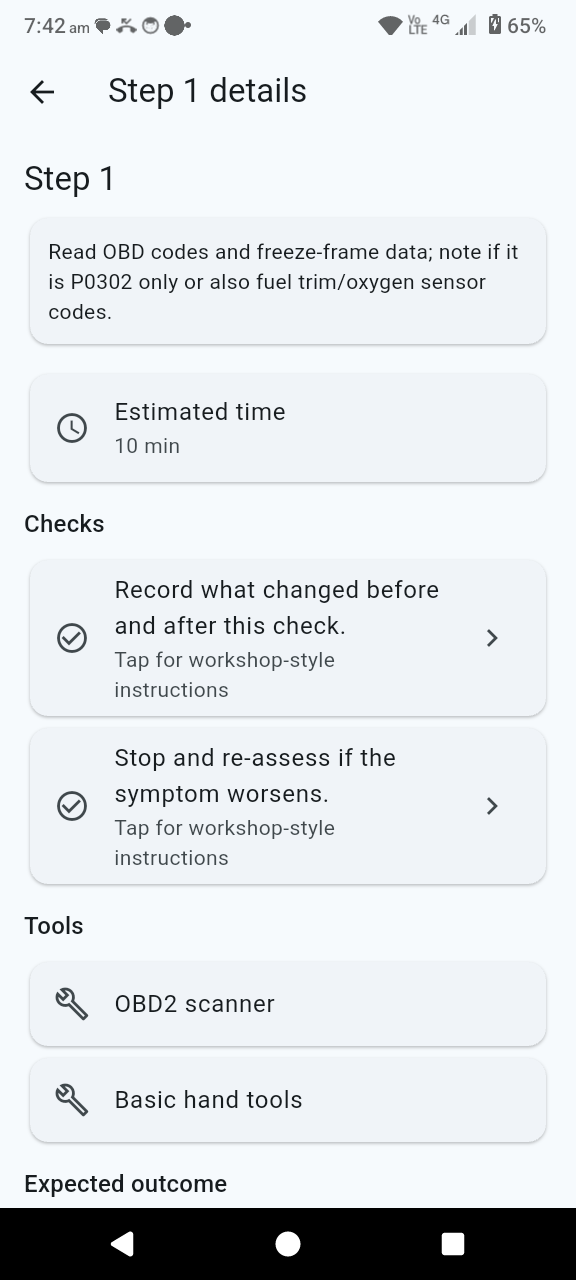
If the first pass is still ambiguous, the flow supports guided follow-up questions to tighten the diagnosis.
This page should show visitors that the app is more than a generic scanner. It captures context, reasons over it, and gives the user a practical next step.